uBuntu 13.04 Is Available For Download! What's New?

Kaustubh Katdare

Kaustubh Katdare

@thebigk Oct 23, 2024
uBuntu 13.04 is now available for download from official website (link below). The version, officially called 'Raring Ringtail' is the latest version of the popular the Linux distribution. The uBuntu team calls it 'the fastest and most visually polished uBuntu' yet and we're curious to ask our readers their opinion on the latest release. It looks like the engineering team behind the OS is taking cautious steps to prepare the OS for seamless mobile & tablet experience it's targeting in the coming weeks. As we type this post, the download is in progress on our machines and we hope to post a follow-up soon. In the mean time, let's have a look at what's new in 13.0.

The official press release focuses on performance and user interface improvements in the latest update. It promises better compatibility on lightweight systems and faster responsive times for regular users. Raring Ringtail offers reduced memory footprints which should benefit most of the users.
slide

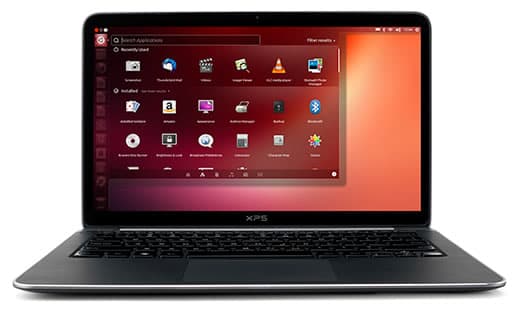
Under the hood, the OS packs Linux Kernel 3.8.0-19-29 and on the front end, offers Unity 7. Most importantly, Unity 7 offers is typo-tolerant search in the dash when you are searching for any application. For example, if you are search for gedit and type gdit, the system will still locate the correct program. The workspace switcher icon indicates the current active desktop (provided you've enabled them from Settings -> Appearance >> Behaviour Tab). The search has been improved to be a lot faster in this version.

Other quickly noticeable changes include Unity style shutdown/logout/suspend dialogs, new icons, window snap animation to show preview etc.

We'll update this post as we discover the new unity interface. In the mean time, you may tell us about your favorite uBuntu 13.04 feature / improvement.

Download: #-Link-Snipped-#

Replies

Welcome, guest

Join CrazyEngineers to reply, ask questions, and participate in conversations.

CrazyEngineers powered by Jatra Community Platform

  • Kaustubh Katdare

    Kaustubh Katdare

    @thebigk Apr 25, 2013

    Tagging #-Link-Snipped-# to enlighten us about the latest release. He's the deputy of CE Linux Lovers Club 😁
  • Sanyam Khurana

    Sanyam Khurana

    @sanyam-Nl7Zqc Apr 25, 2013

    Awesome, Now it'll be more fun..!! 😀
  • Abhishek Rawal

    Abhishek Rawal

    @abhishek-fg9tRh Apr 25, 2013

    New icons :
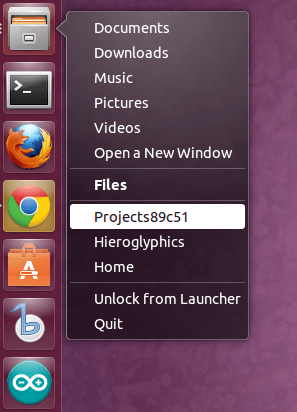
    The icons of Software updater,Files,Ubuntu Software Center & Dash Home Button is redesigned.
    Quite attractive now.
    1

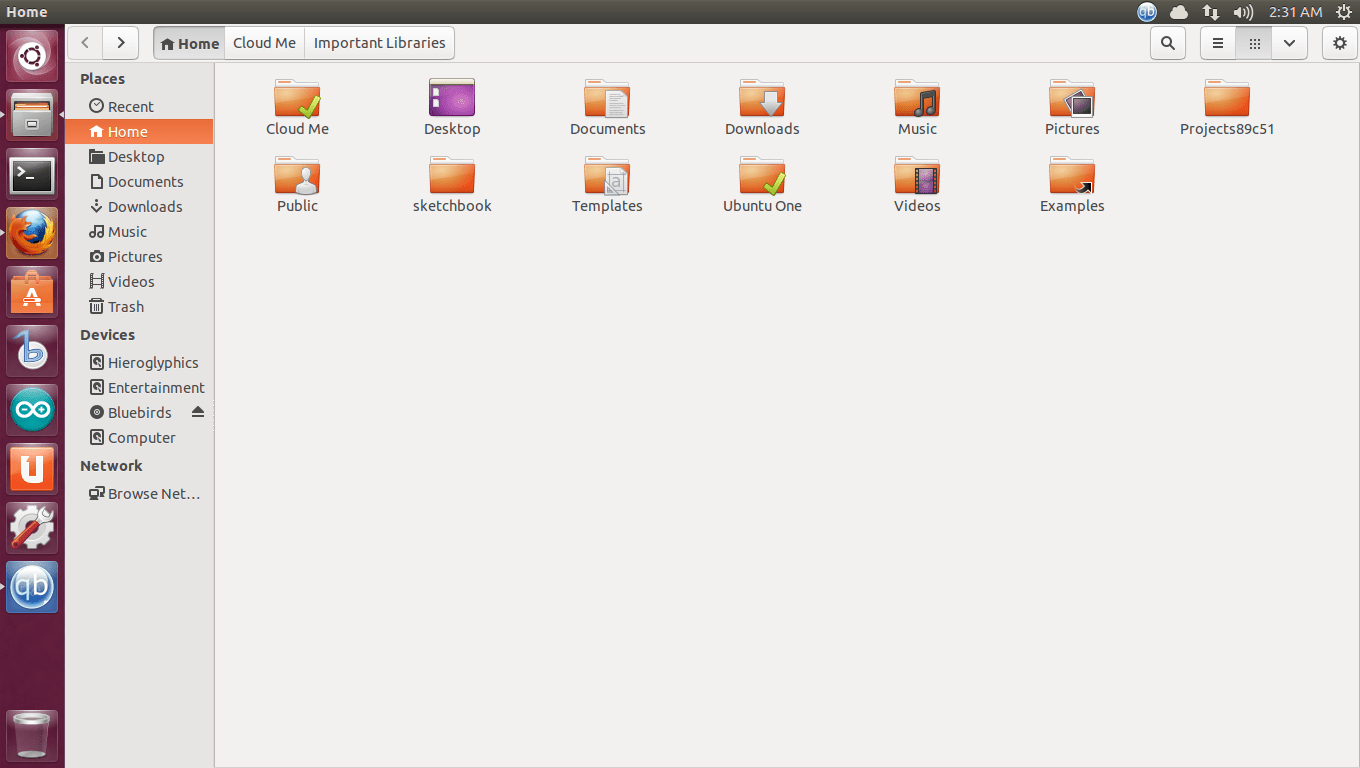
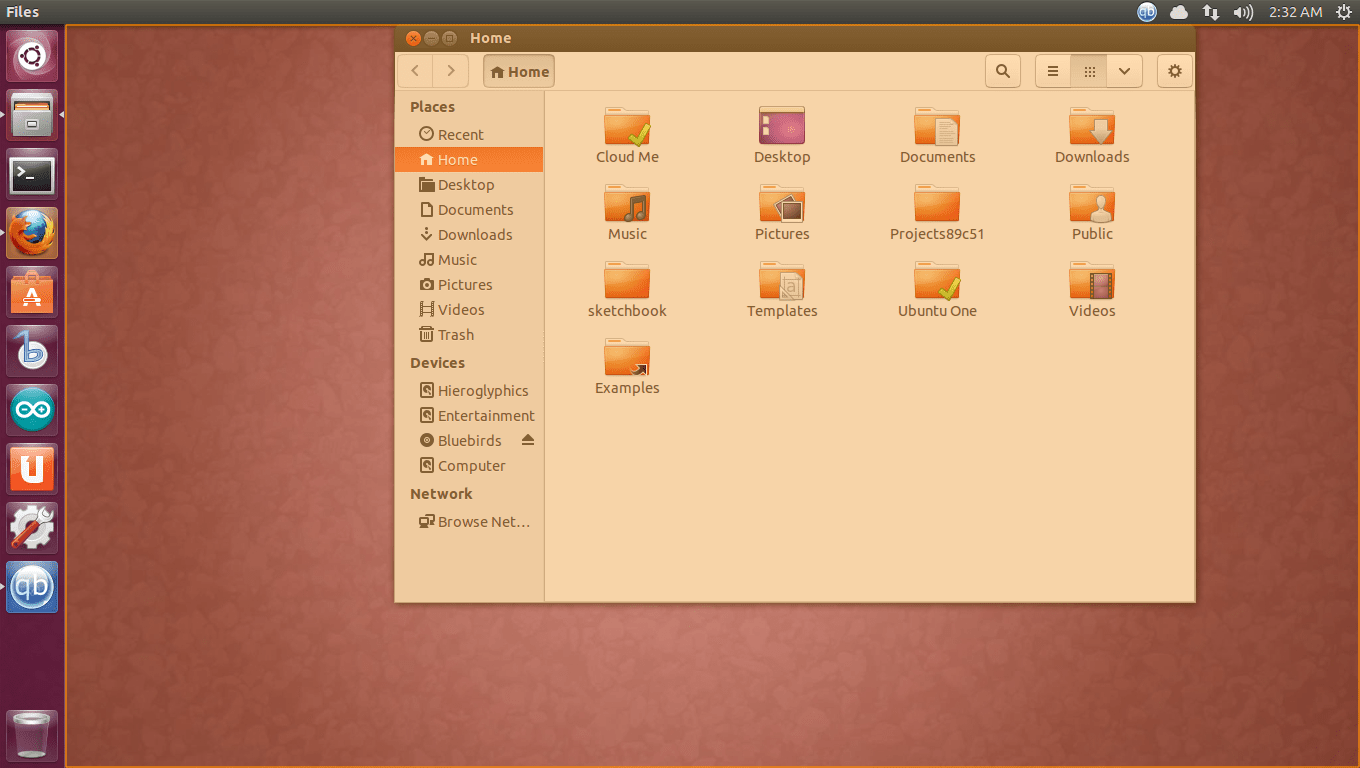
    "Files" redesigned :
    New Files looks very neat,I liked it more than previous version.
    2

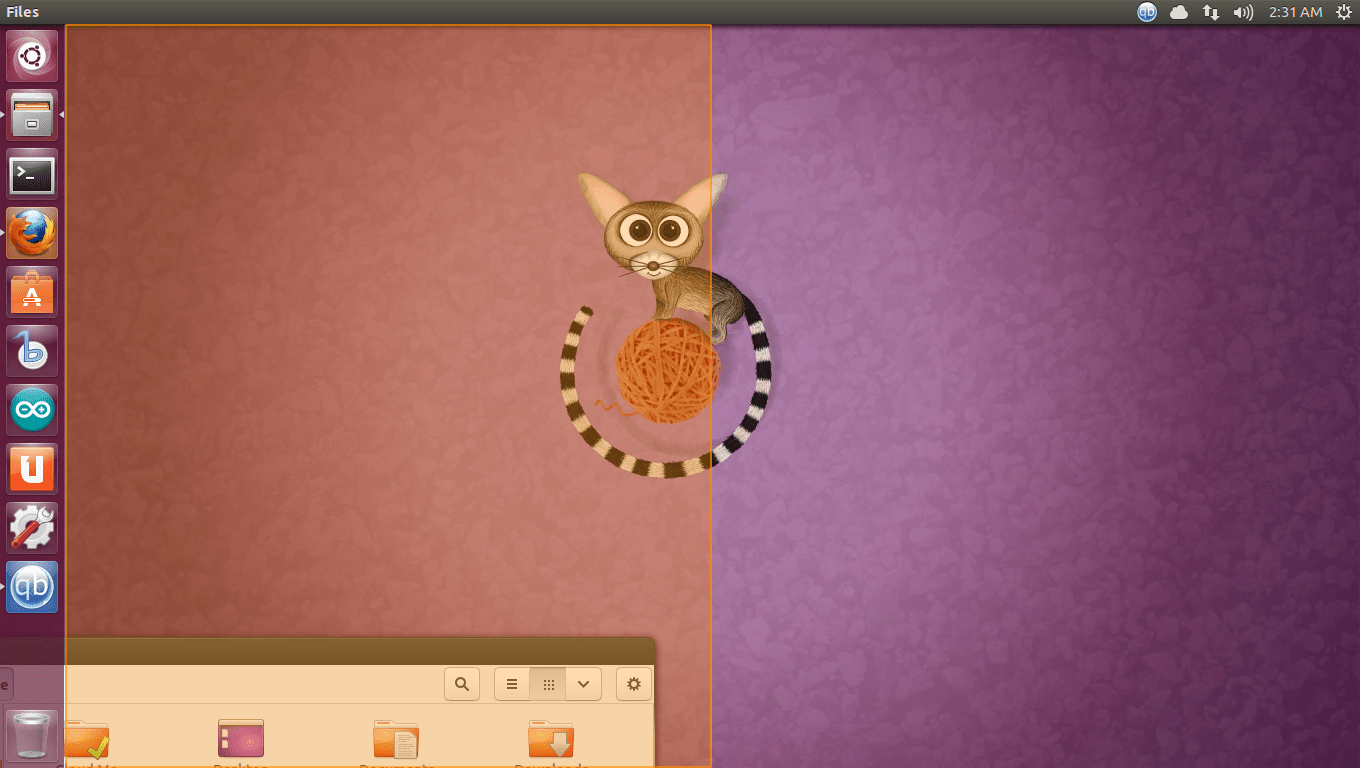
    Resizing the running GUI Application :
    Now by dragging running application you can easily change the size of the application.

    1)By dragging application to Left top corner or Left bottom corner, you'll be able to resize the application which will cover entire half left portion of the screen.
    3b

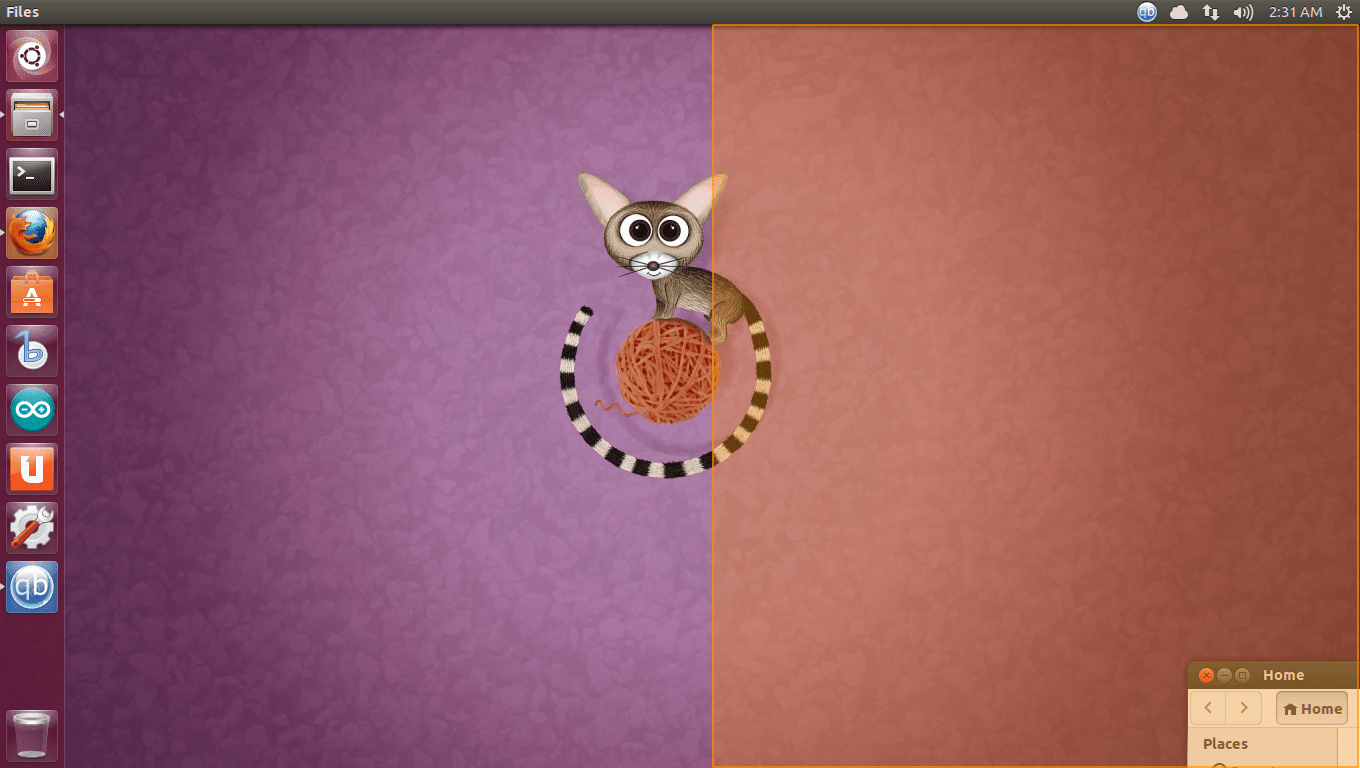
    2) By dragging application to Right top corner or Right bottom corner, you'll be able to resize the application which will cover entire half Right portion of the screen.
    3a

    3) By dragging application to top, you'll be able to resize the application which will cover entire screen,which means this is graphical way to maximizing the screen.
    3c

    New designed lens icons :
    Lens icons are redesigned.Looks beautiful.
    4

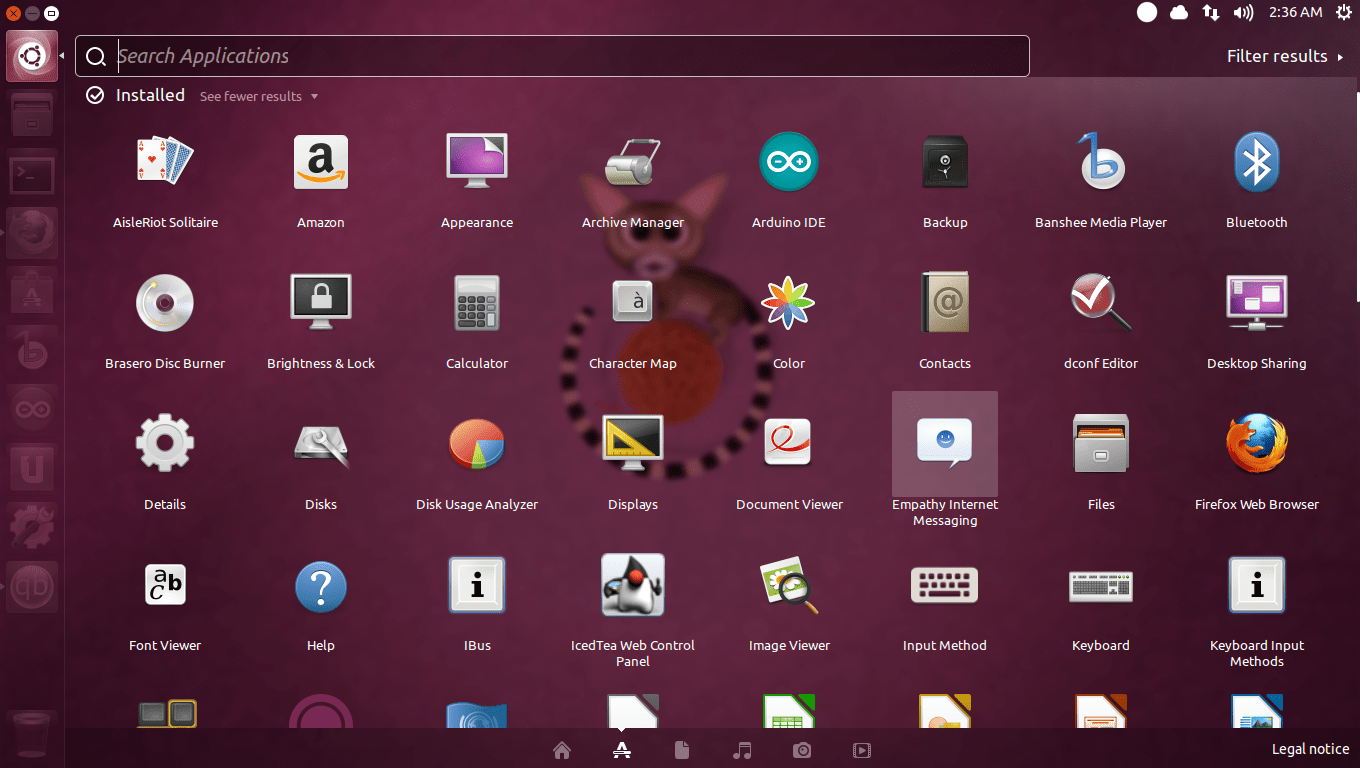
    Faster Dash :
    Dash is a lot faster & comes with improved preview animations.
    However,I have noticed that when some application is running & if you access Dash then the smoothness of the dash is decreased, else without any background applications running - it is bloody fast!
    5

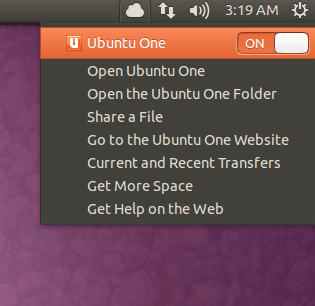
    Default sync menu for Ubuntu one :
    The sync menu for Ubuntu One, the free 5 GB cloud storage application for Ubuntu users now includes sync menu in appindicator.
    6

    Some minor changes :
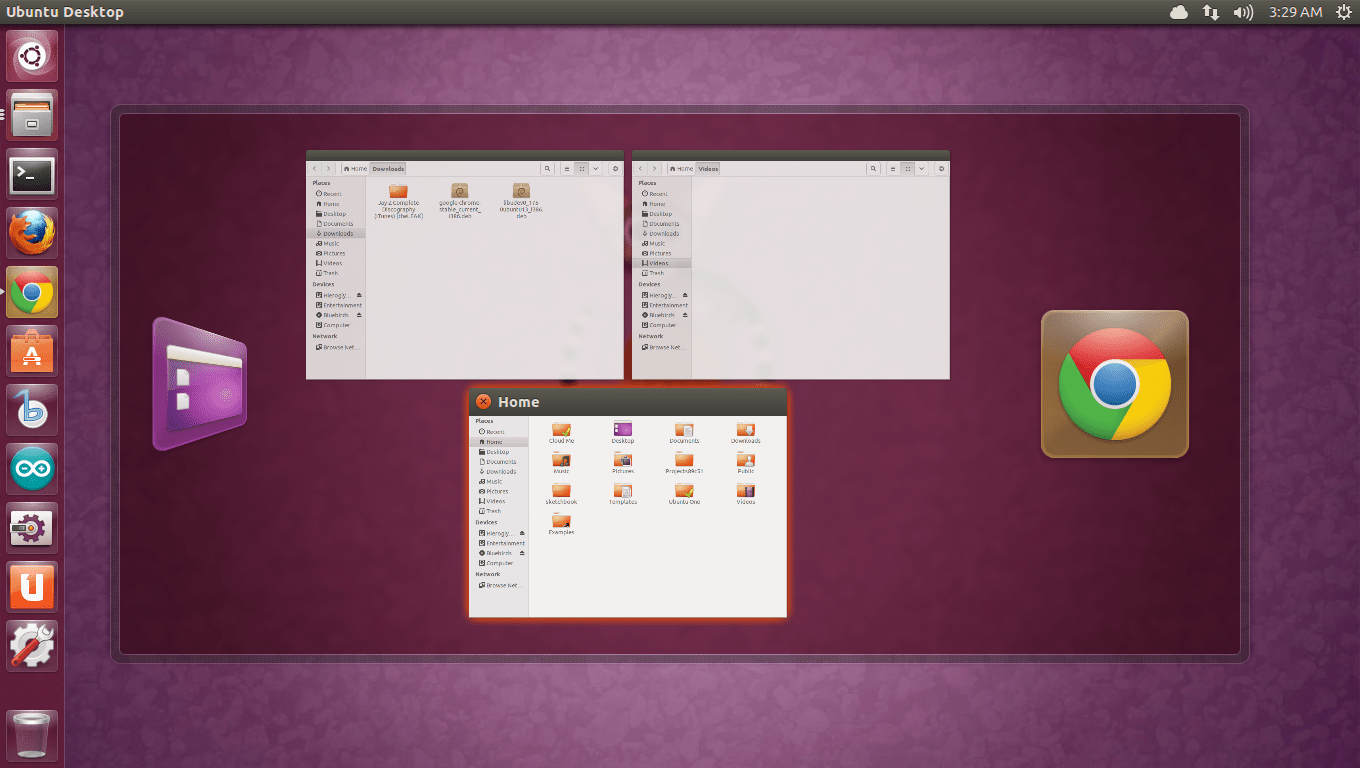
    - No need to press alt+tab to switch windows running in same application.
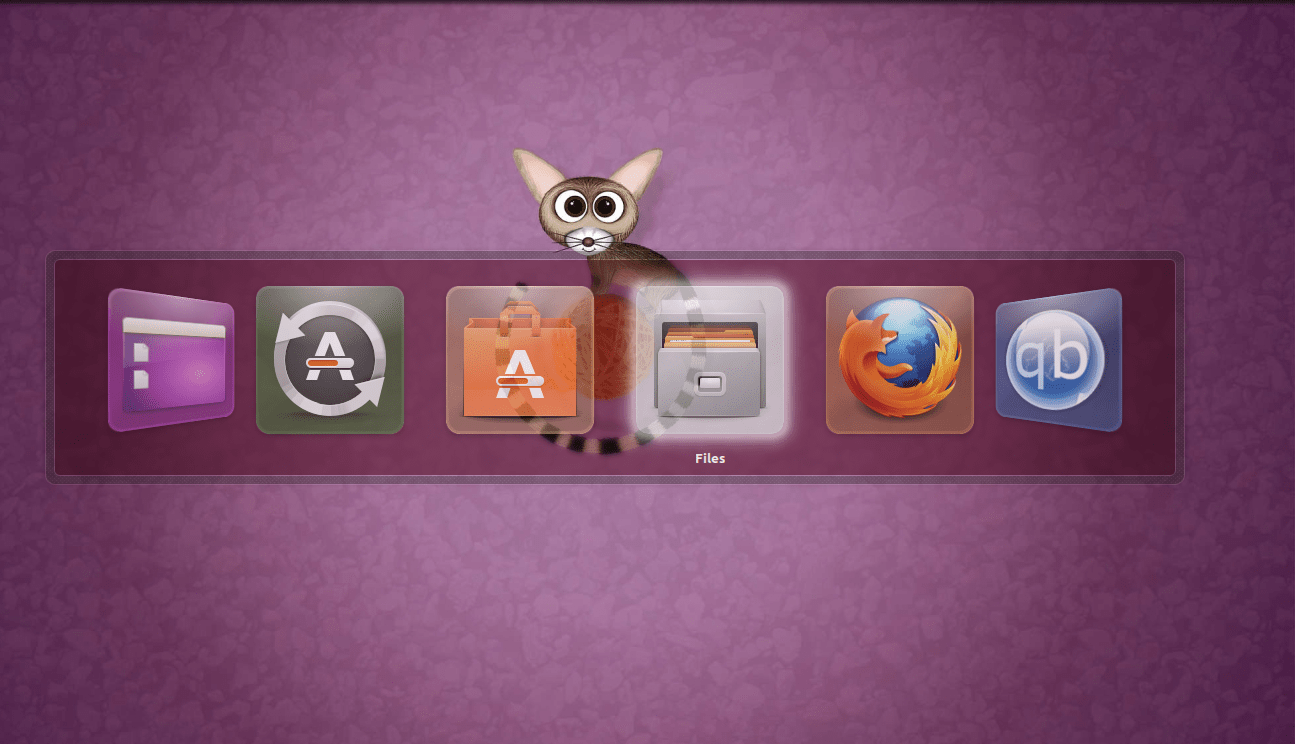
    Eg : I have 3 different locations kept open in "Files". Alt+Tab will make it look something like this :
    7a

    But you can avoid pressing "Alt+tab" & can switch to other window directly from icon in side panel :

    8

    - Many other minor changes are seen in Raring ringtail.

    Well, there is restriction in this section : I can't upload more than 10 pictures,else i was thinking of covering all possible features/changes using screenshots.

    Overall, Fast - Beautiful & Pretty stable distro. A lot better than Quantal Quetzal.

    However, the support period is decreased to 9 months for 13.04

    On side note,Ubuntu 13.10 which will be releasing in late october is codenamed as : Saucy Salamander.


    If you've noticed then Ubuntu releases from 6.06 are all in alphabetical order :
    6.06 : Dapper Drake
    6.10 : Edgy Eft
    7.04 : Feisty Fawn
    7.10 : Gutsy Gibbon
    8.04 : Hardy Heron
    8.10 : Intrepid Ibex
    9.04 : Jaunty Jackalope
    9.10 : Karmic Koala
    10.04 : Lucid Lynx
    10.10 : Maverick Meerkat
    11.04 : Natty Narwhal
    11.10 : Oneiric Ocelot
    12.04 : Precise Pangolin
    12.10 : Quantal Quetzal
    13.04 : Raring Ringtail
    13.10 : Saucy Salamander

    Now what for 14.04 ? Tenacious Tuatara ? Terminator Termites ?
    Any suggestions,CEans ?
  • Kaustubh Katdare

    Kaustubh Katdare

    @thebigk Apr 25, 2013

    Is it just me or the font rendering in uBuntu has been 'drastically' improved? The font rendering used to suck (even more than in Windows) but looking at the screenshots, I think it's just getting better and better.
  • Abhishek Rawal

    Abhishek Rawal

    @abhishek-fg9tRh Jun 12, 2013

    Kaustubh Katdare
    Is it just me or the font rendering in uBuntu has been 'drastically' improved? The font rendering used to suck (even more than in Windows) but looking at the screenshots, I think it's just getting better and better.
    Check this link for font rendering comparison between Mac OS X & Ubuntu : #-Link-Snipped-#
  • Ashraf HZ

    Ashraf HZ

    @Ash Jun 12, 2013

    Thanks for the run through, Abhishek.
  • Anil Jain

    Anil Jain

    @CrazyBoy Jun 13, 2013

    Awesome walk through and looks impressive as well!
    I am on my way to download the Raring Ringtail.

    -CB
  • Abhishek Rawal

    Abhishek Rawal

    @abhishek-fg9tRh Jul 11, 2013

    Sorry for reviving old-thread :
    #-Link-Snipped-# I am using Ubuntu-proprietary fonts in 13.04 which is the reason behind such a beautiful fonts.
    I tested it without proprietary fonts & it wasn't this good. Proprietary fonts thickens the boundary of the word making it look pleasant.

    #-Link-Snipped-# Thanks, man.

    #-Link-Snipped-# Have you tried Raring Ringtail ? Share your experience.
  • vikaskumar11233

    vikaskumar11233

    @vikaskumar11233-J10JeV Jul 26, 2013

    Well this seems to be really amazing.... Is there any change apart from the display changes.
  • Abhishek Rawal

    Abhishek Rawal

    @abhishek-fg9tRh Jul 26, 2013

    vikaskumar11233
    Well this seems to be really amazing.... Is there any change apart from the display changes.
    Unity is much more stable now. I was in 13.04 since alpha2 & I hardly had 2-3 crashes. Ubuntu is very much stable & faster now.

    Major internal changes you'll find in 13.10 Saucy Salamander as Ubuntu is moving from X display server to Mir Display server.
    I have even tested Mir display server in 13.10, it's quite faster than X. Maybe because it's still using XMir & not only Mir.
    But,Every 2-3 days I can see the Mir DS is getting updated & stability is increasing which shows that how hard Canonical developers are working for next major update of 13.10.

    Couldn't wait for beta release of 13.10