Replies
Welcome, guest
Join CrazyEngineers to reply, ask questions, and participate in conversations.
CrazyEngineers powered by Jatra Community Platform
-
@abrakadabra • May 3, 2012
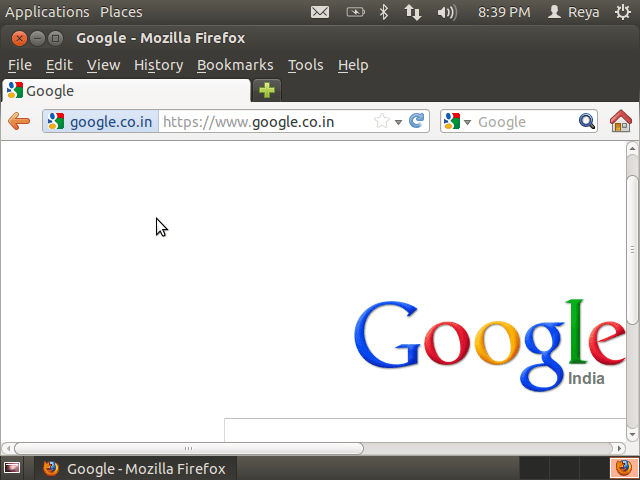
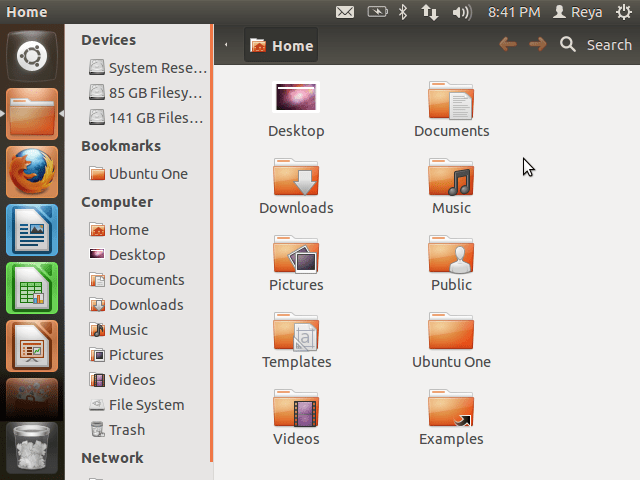
What happens when you click on the maximize button? -
@vignesh-raghav-zyV2ib • May 3, 2012
#-Link-Snipped-# , Go to Desktop properties ->Settings and try to alter the pixels and check . -
@praveenkumar-66Ze92 • May 4, 2012
#-Link-Snipped-#, Click on System » Preferences » Monitors.
You will be getting something like this:
![[IMG]](proxy.php?image=http%3A%2F%2Fmartinwebster.files.wordpress.com%2F2011%2F03%2Fscreenshot-monitor-preferences.png&hash=a0e739fa915e2dca6df33282c9c2ba7e)
Say if you can alter the Monitor Resolution and say if it works... -
@reya-SMihdC • May 6, 2012
Tried all the methods. Nothing worked. So installed Ubuntu again long back 😔 Feels bad for not being able to fix it 😭 -
@praveenkumar-66Ze92 • May 6, 2012
Did you check if you have the correct video drivers installed to support your screen resolution? #-Link-Snipped-# posted a video on how to install proprietary drivers in Ubuntu. You may check that as well.ReyaTried all the methods. Nothing worked. So installed Ubuntu again long back 😔 Feels bad for not being able to fix it 😭 -
@reya-SMihdC • May 6, 2012
#-Link-Snipped-# Anyways I have installed Ubuntu again. No issues.Yes, I installed all the proprietary drivers,updated the software et all.