
EPFO: Check your PF balance by giving a missed call

Now EPFO department has taken an effort to bring PF account at your finger by rolling out new facility for the People.They have introduced "Missed Call" facility to check your PF balance by simply giving a missed call on 011-2290 1406 from your registered mobile number associated with your UAN number.
Follow the below steps to link your mobile number with your PF account:
Source: #-Link-Snipped-#
Follow the below steps to link your mobile number with your PF account:
- Visit the link : #-Link-Snipped-#
- On the right hand down corner, you will find link to Activate UAN.
- Enter your UAN number which you can found on your Payslip.
- Fill on the other details like AADHAR / PAN number, mobile number, DoB, email id and other details.
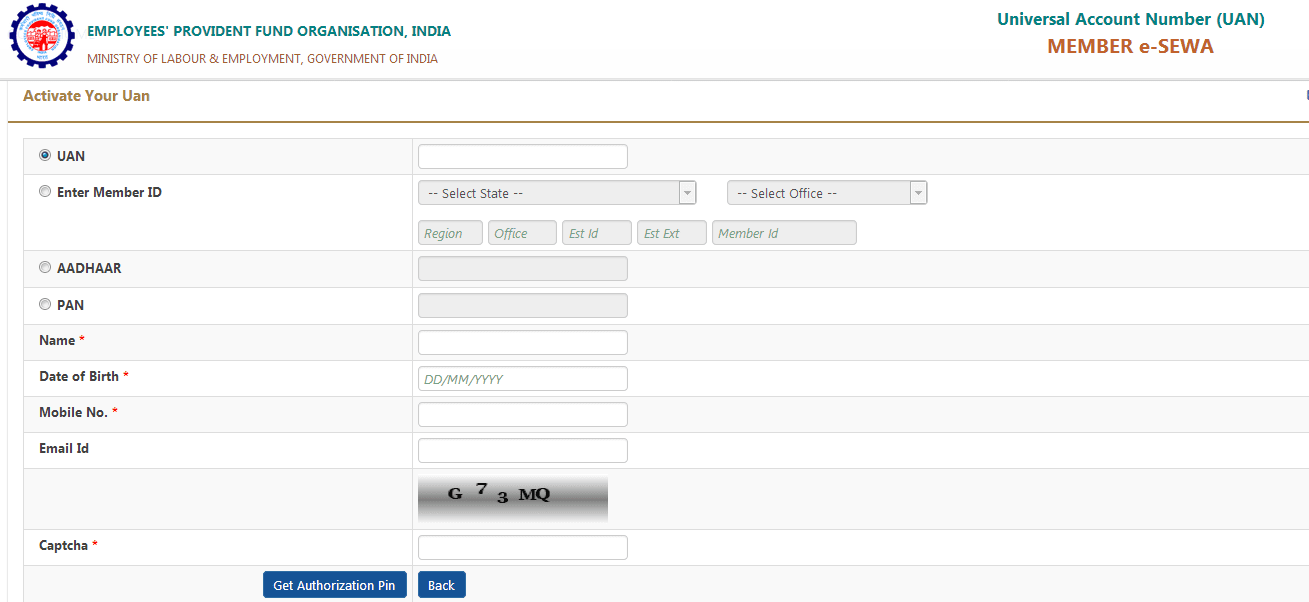
- After filling out the required details, clik on Get Authorization PIN. This pin will be sent to your mobile no you entered above.
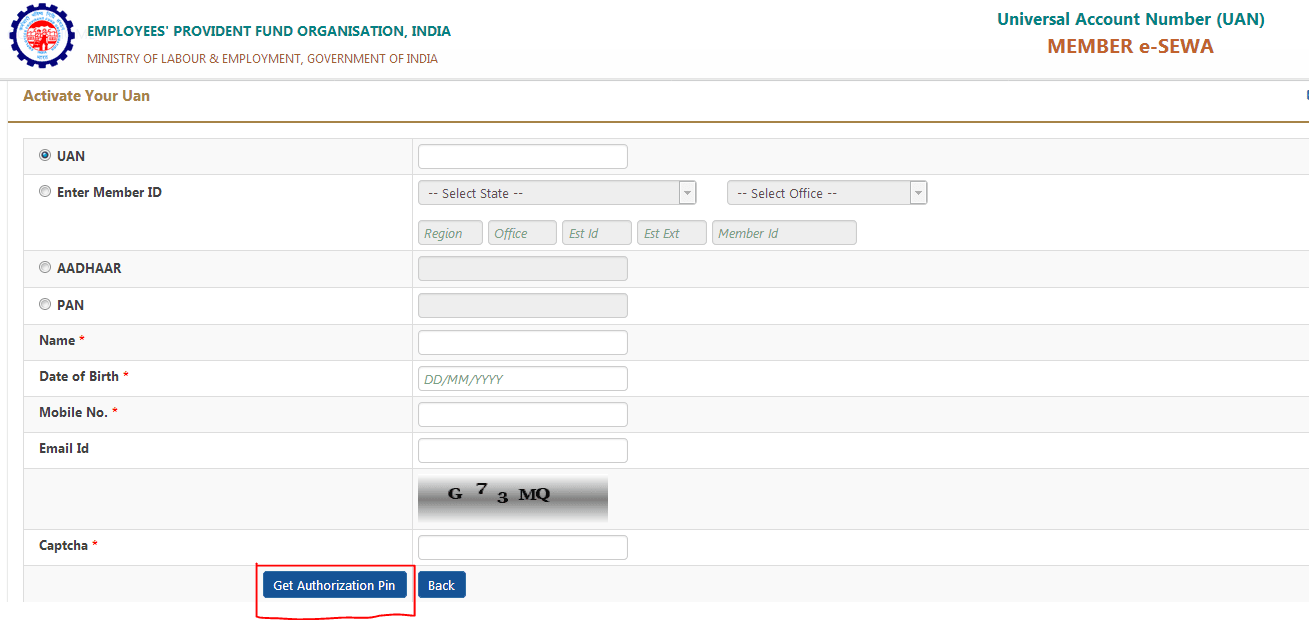
- Then login to your account with your UAN number and the pin received on your registered mobile no.
- You can check out your PF details . Also by giving missed call on above mentioned number.
Source: #-Link-Snipped-#
0
